You should always fill in your profile information to identify yourself before distributing any content to the channels.
How to Access My Account
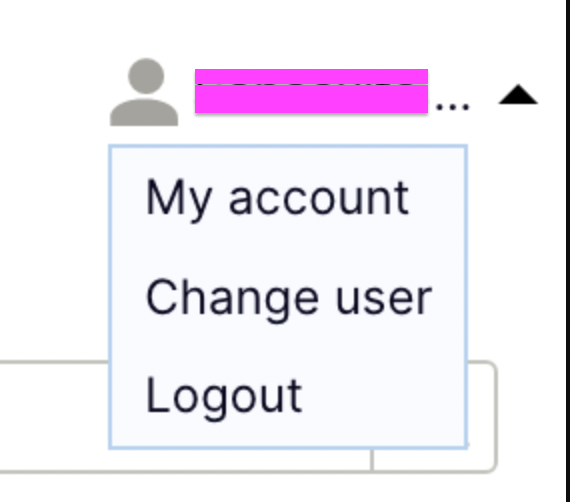
You can access it from the upper right part of the main page:
My Account fields
Here you can find the different fields to properly fill your profile:
| Created at | Date and time on which the account was created. |
| First login | The date and time on the first login was processed. |
| Last login | The date and time on the last login was processed. |
| End-User’s email address. | |
| Name | End-User’s name. |
| Surname | End-User’s surname. |
| PayPal Email | Email assigned to the End user’s Paypal account. |
| Country | Current residency country of the End-User. |
| Default language | The default language of the platform.. |
| City | Current residency city of the End-User. |
| Street | Current residency street of the End-User. |
| Postal Code | Current residency postal code of the End-User. |
| Company | Mark as true in case the End-User’s account is managed by a company. |
| Company name | Name of the company managing the End-User’s account (no need to fill if the previous option is not marked as true). |
| Fiscal Identity Number | For business: Fiscal identity code.For individuals: ID code. |
| Country Phone | The country in which the End-User’s contact phone belongs to. |
| Contact Phone | End-User’s contact phone number. |